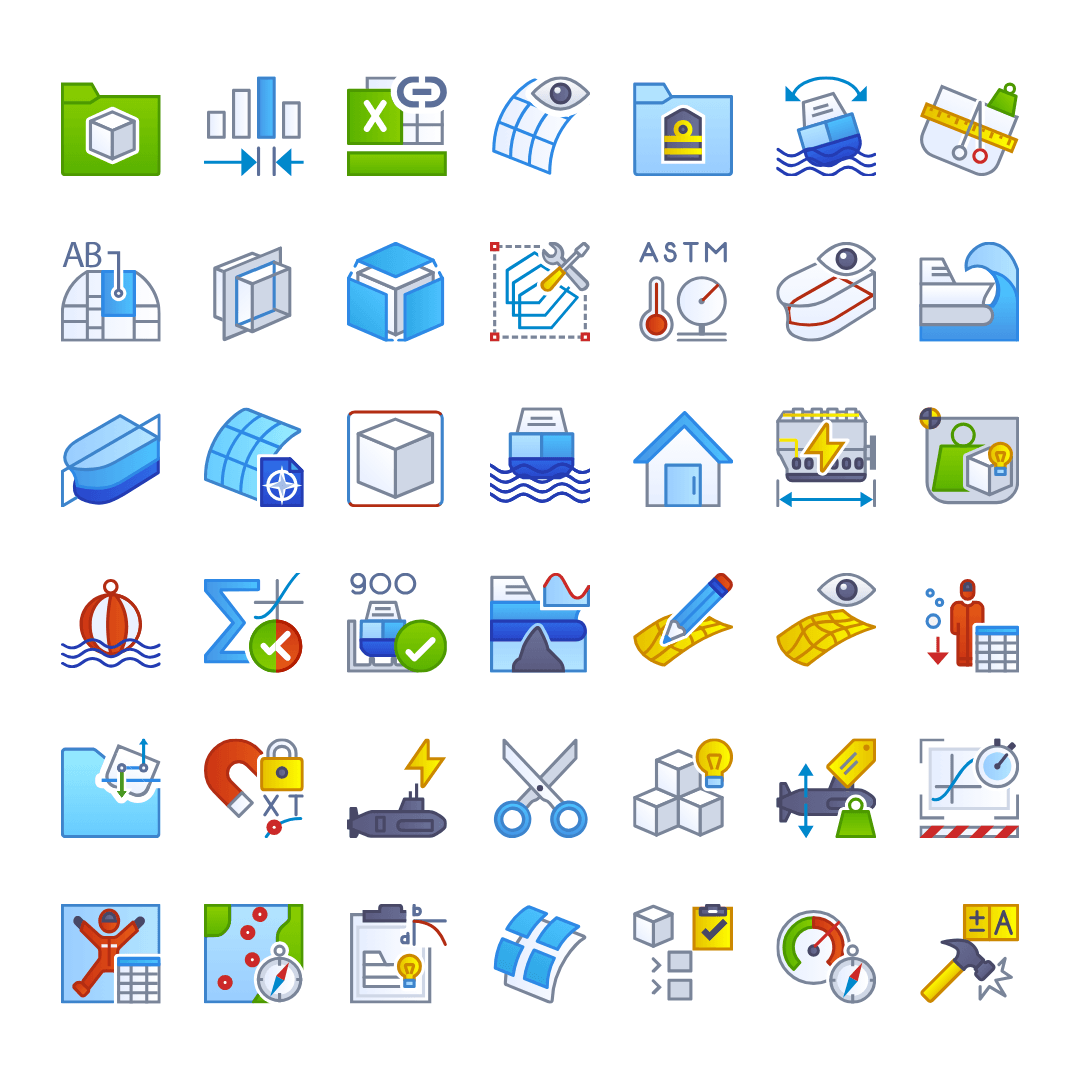
Custom CAD Icons: Why Complex Engineering Software Needs Purpose-Built UI
In CAD and CAE environments, icons aren’t just decoration, they’re a critical part of the workflow. When hundreds or even thousands of tools compete for screen space, your icon set can make the difference between a streamlined interface and daily frustration. Here’s why purpose-built custom CAD icons are worth the investment, and how we’ve helped engineering software teams deliver clarity at scale.
The Challenge of CAD/CAE Interfaces
CAD and CAE software interfaces are some of the most complex in the world. Toolbars can contain hundreds of commands, menus are multi-layered, and the same interface must work across monitors of varying sizes, resolutions, and themes. Professionals use these tools for hours at a time, where even small usability issues can slow down workflows and increase fatigue.
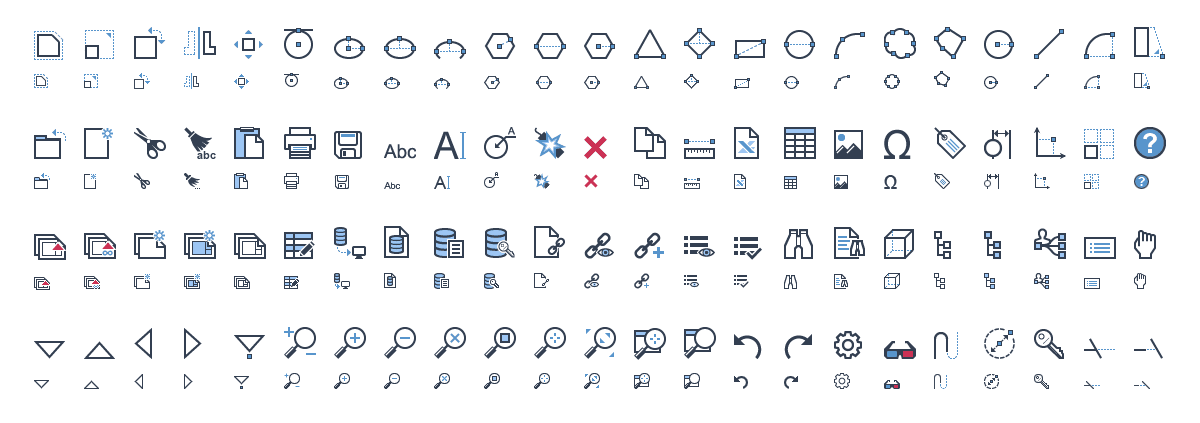
The biggest challenge? Icons need to remain instantly recognisable even at 16×16 pixels, while still fitting a consistent visual language across the entire suite.
Why Stock Icons Don’t Cut It
- Generic designs don’t reflect engineering-specific workflows.
- Mixed styles create visual noise, making commands harder to find.
- Poor scaling causes blur or pixelation at small sizes.
- Weak metaphors confuse new users and slow down expert workflows.
In high-pressure environments like aerospace, manufacturing, or marine engineering, unclear icons can lead to costly mistakes or slower project delivery. Stock libraries simply aren’t built with these scenarios in mind.
How Purpose-Built Custom CAD Icons Solve the Problem
Purpose-built CAD icons are designed from the ground up for clarity, consistency, and usability in complex engineering environments. That means:
- Starting with smallest-size-first design for maximum clarity at 16px.
- Maintaining a unified style across the entire product suite.
- Using industry-specific metaphors that make sense to engineers and designers.
- Ensuring legibility in light, dark, and high-contrast themes.
Case Studies from Our Portfolio
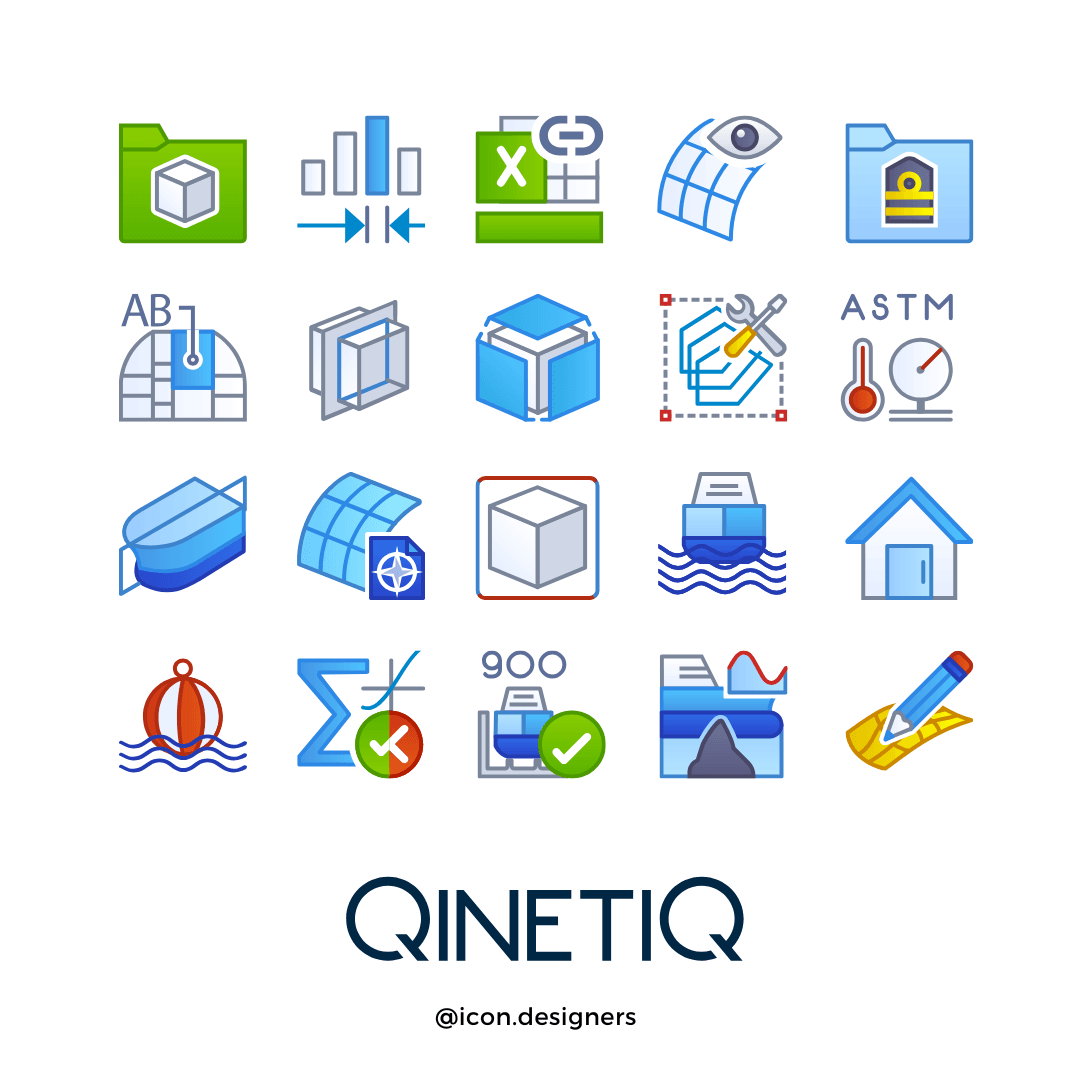
QinetiQ / Paramarine
1,400+ custom icons for a marine CAD system used in high stakes naval engineering projects. Designed for speed, accuracy, and legibility.
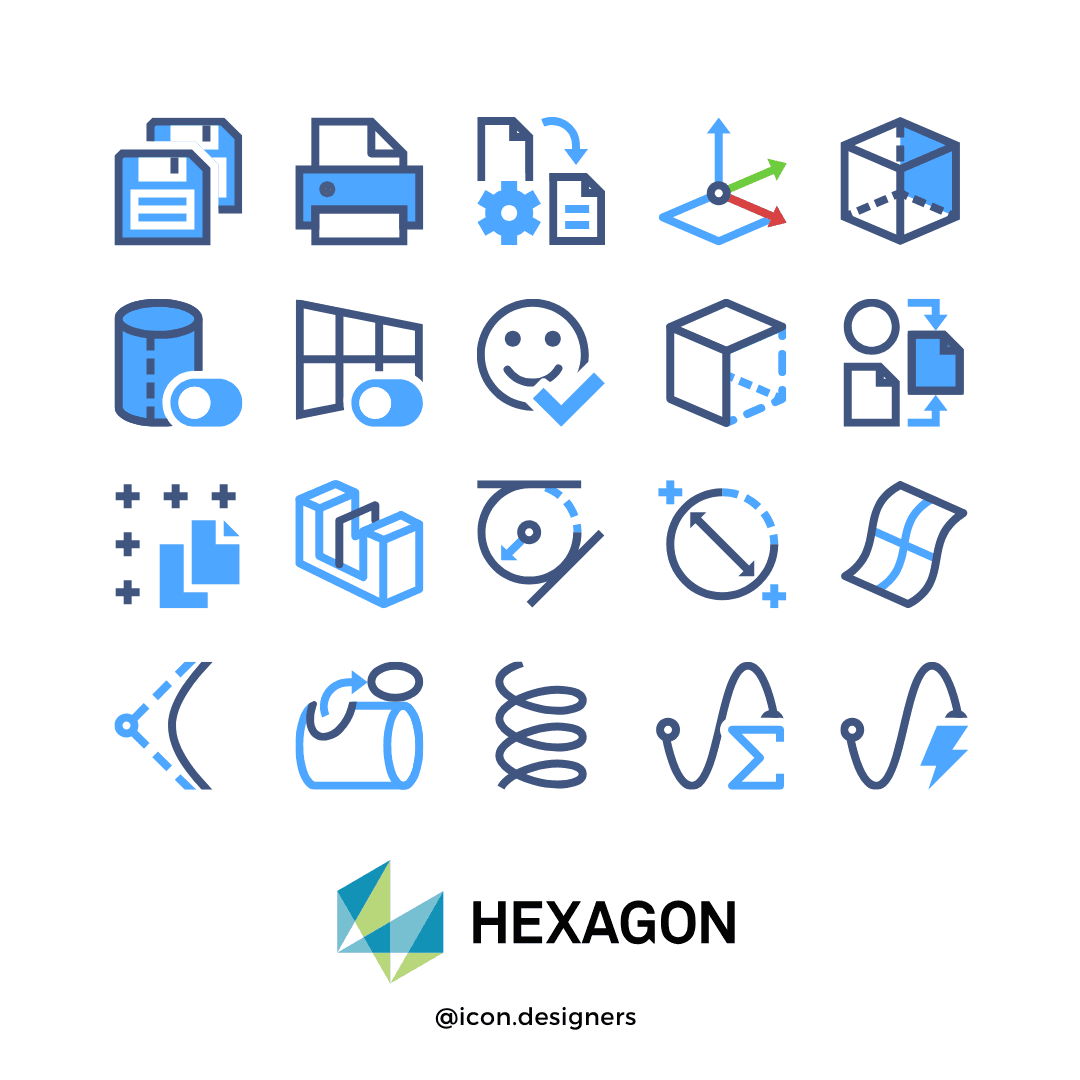
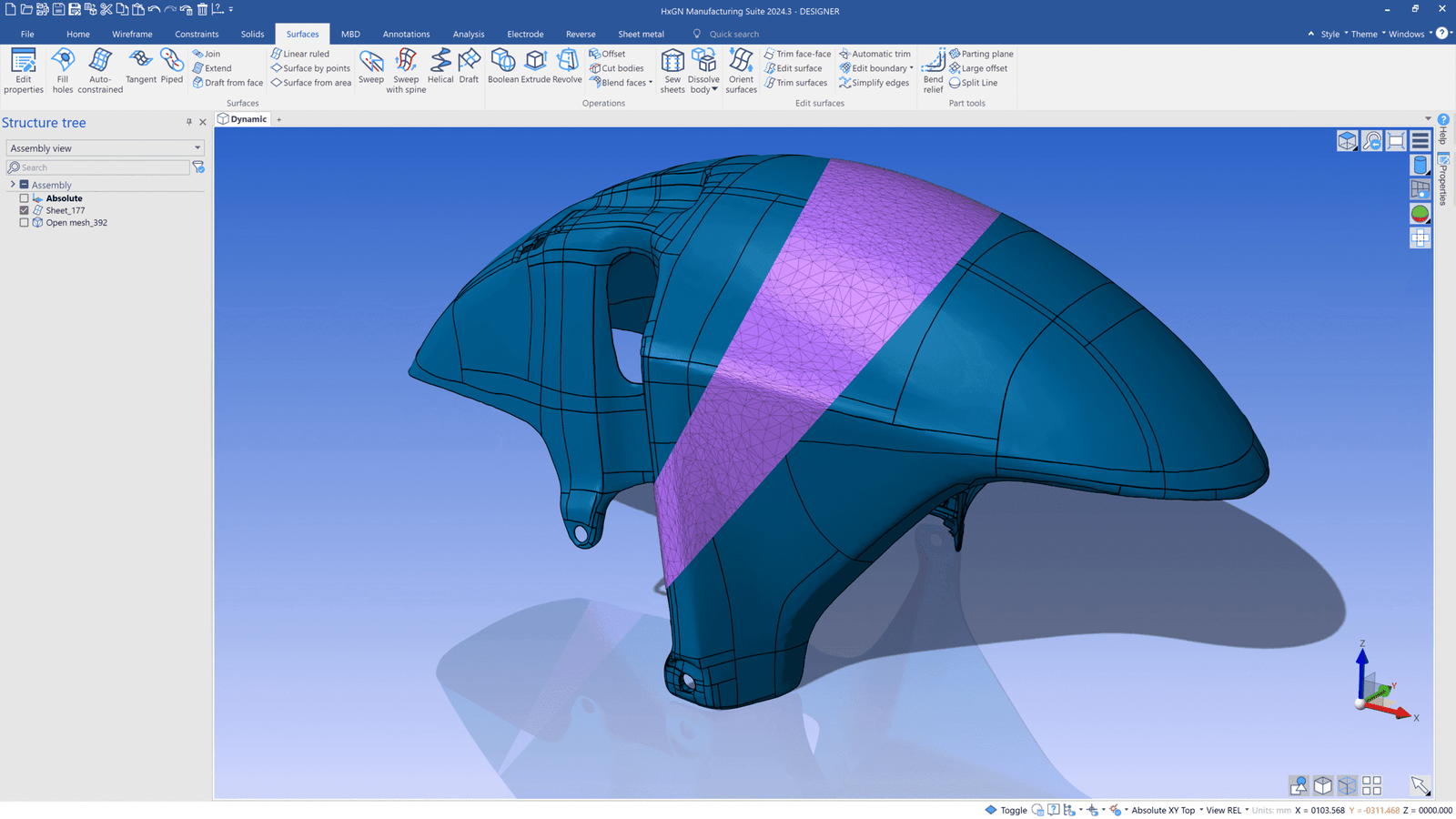
Hexagon CAD/CAE
Thousands of icons unified across multiple engineering software products, creating a consistent user experience for diverse workflows.
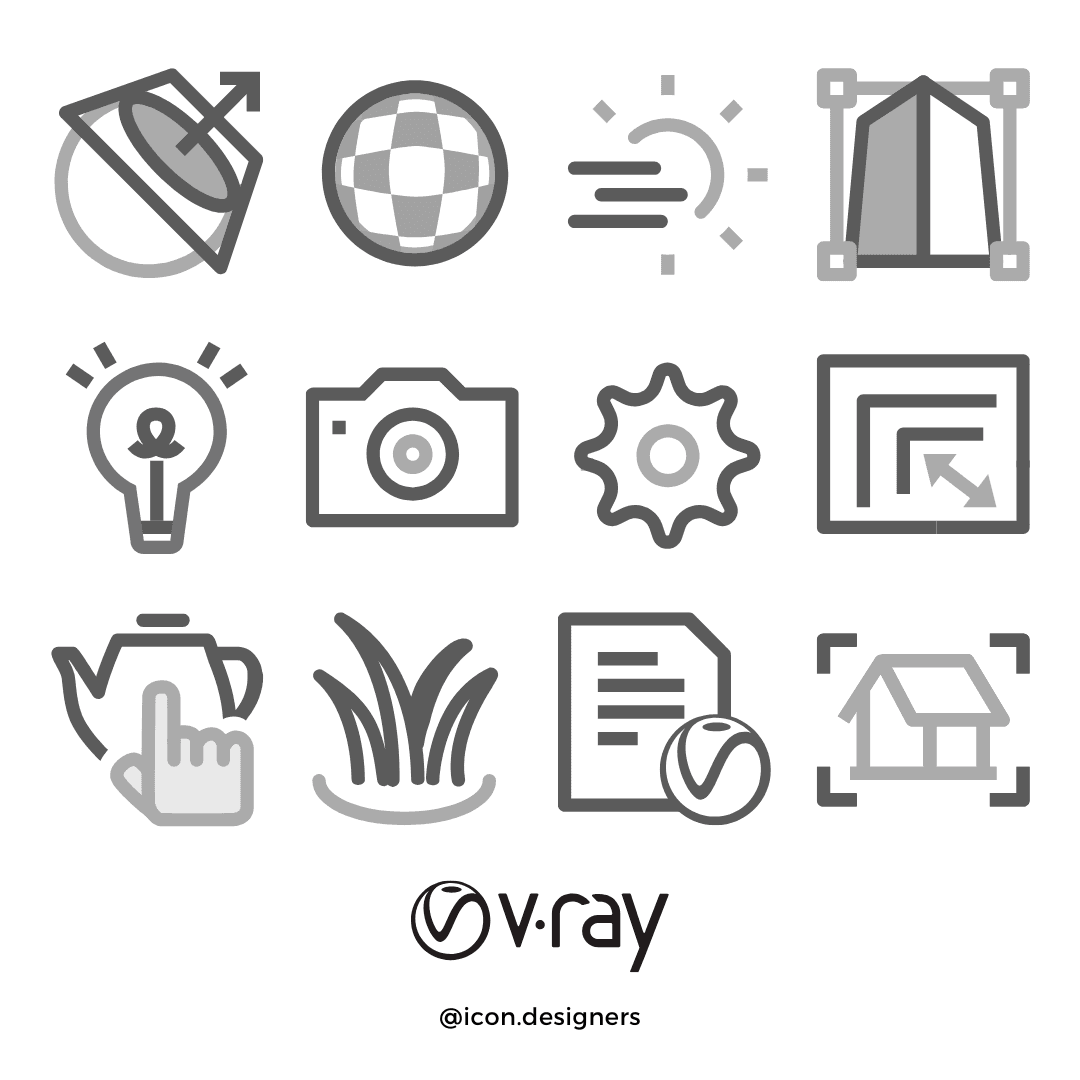
Chaos Group / V-Ray
Dozens of rendering tool icons and UI refinements for integration with Rendering plugin for various platforms, including SketchUp, Revit, Rhino, and 3ds Max.
Managing Large-Scale CAD Icon Projects
Designing icons for CAD and CAE software often means working with large, distributed teams and managing hundreds or thousands of assets over weeks or months. Without a system, things can quickly spiral, duplicate feedback, outdated files, missed approvals.
That’s why we built Icon Manager, our purpose-built platform for managing complex icon projects. With threaded comments, progress tracking, side-by-side version previews, and instant downloads in multiple formats, Icon Manager keeps everything under control.

The ROI of Custom CAD Icons
- Faster tool recognition increases productivity.
- Lower training costs for new users.
- Stronger brand identity for your software.
- Longer lifespan before the next redesign.
The result? A smoother user experience, happier users, and a product that looks as good as it performs.
Ready to Upgrade Your CAD Icons?
Want to explore our full range of CAD icon services?
See our CAD Icons page for more examples and details.
Whether you need a dozen toolbar icons or a complete suite of 1,000+, our specialist team can design purpose-built icons that work perfectly for your CAD/CAE software.