Custom Windows Icons for Professional Desktop Software
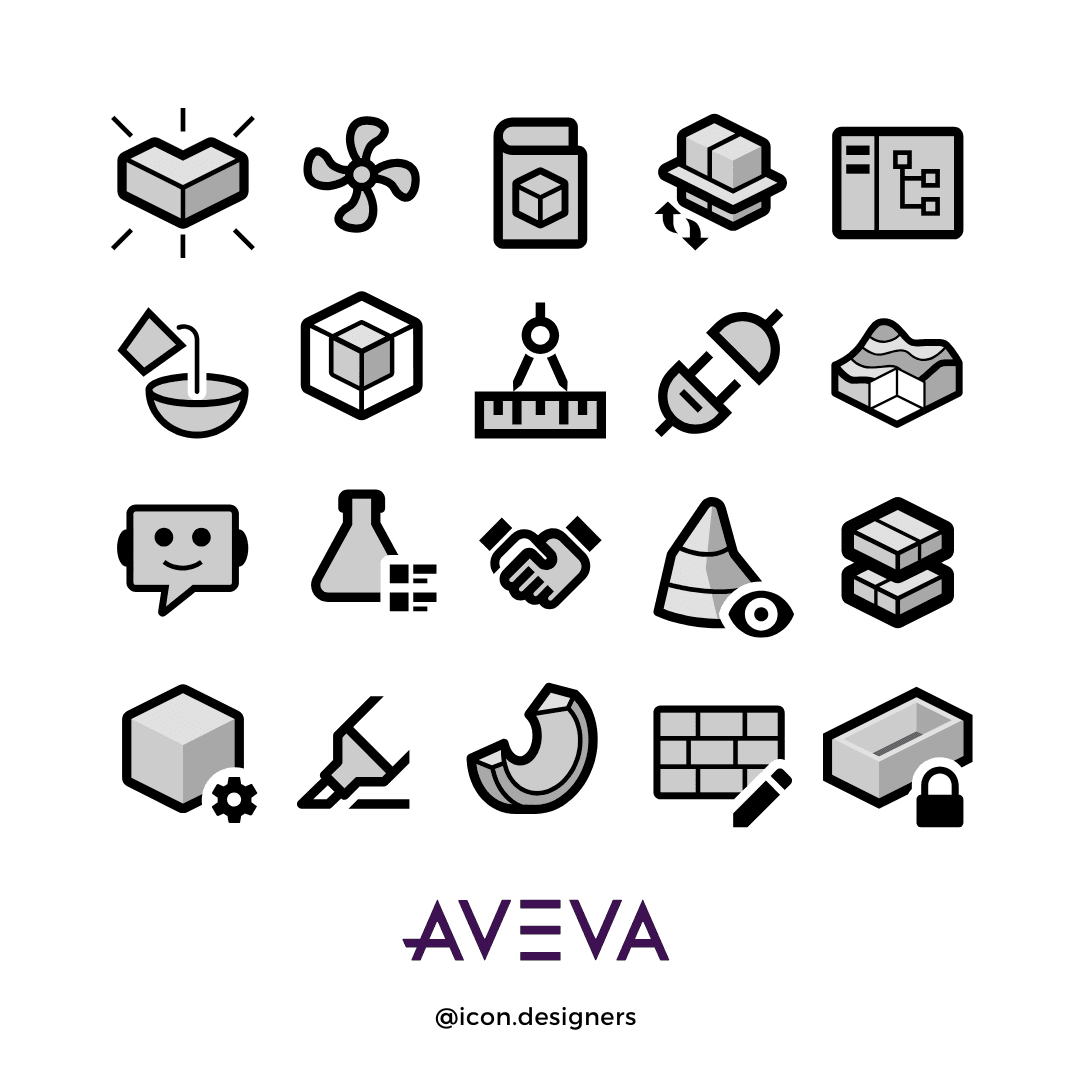
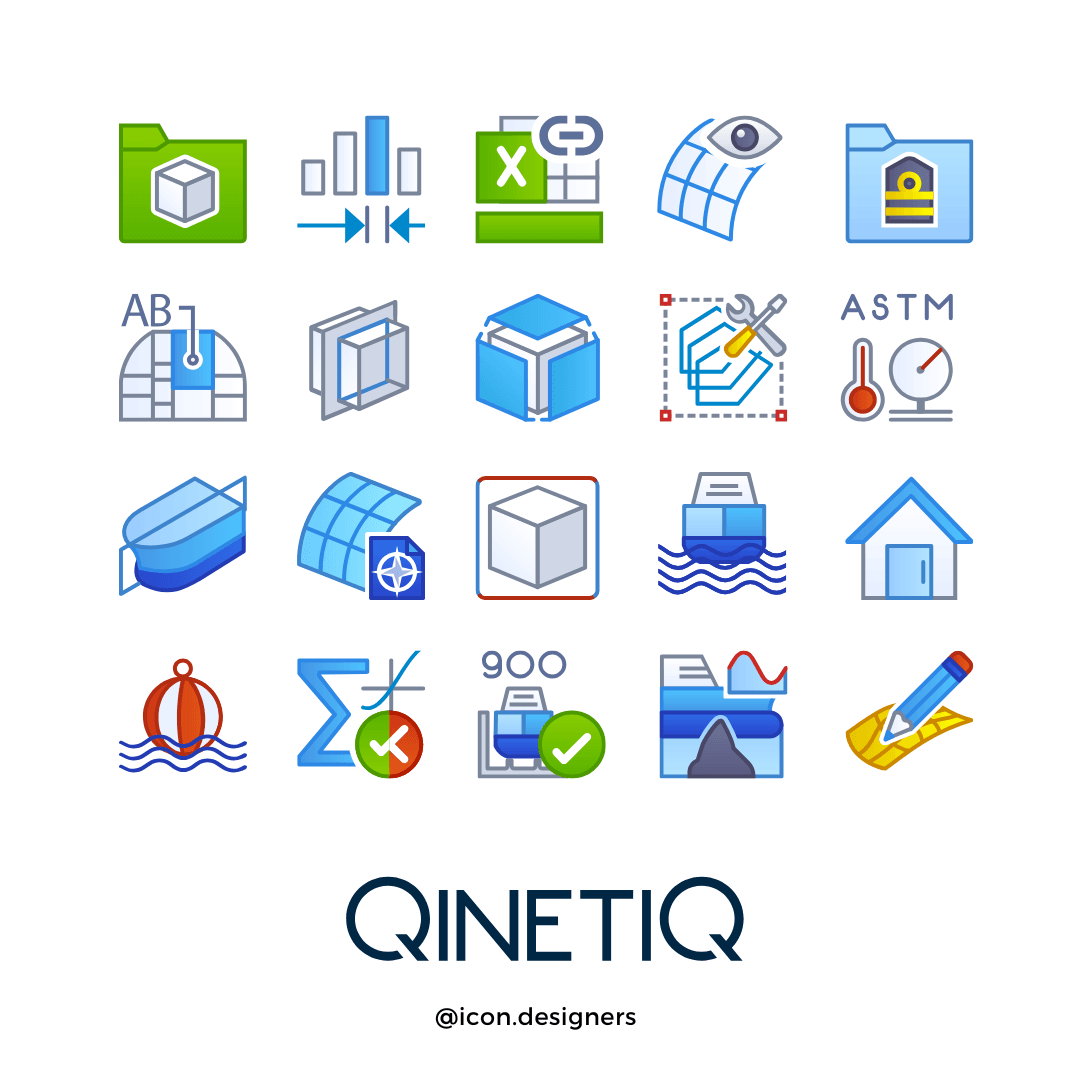
We have worked with Creative Freedom for several years, and their professionalism and reliability have been outstanding. They are a trusted partner who always delivers with flexibility and care.” Takeuchi Yusuke
Struggling with inconsistent, outdated, or blurry icons in your Windows software?
A purpose-built icon library doesn’t just modernise your UI, it reduces user errors, cuts training and support costs, and boosts perceived product quality. We design pixel-perfect, technically accurate Windows icons that work across legacy toolbars, modern launchers, and everything in between.
Let’s start your windows Icon Design Project
Tell us about your software, we’ll reply with a fixed quote
Prefer to talk?
Windows Software Icon Design
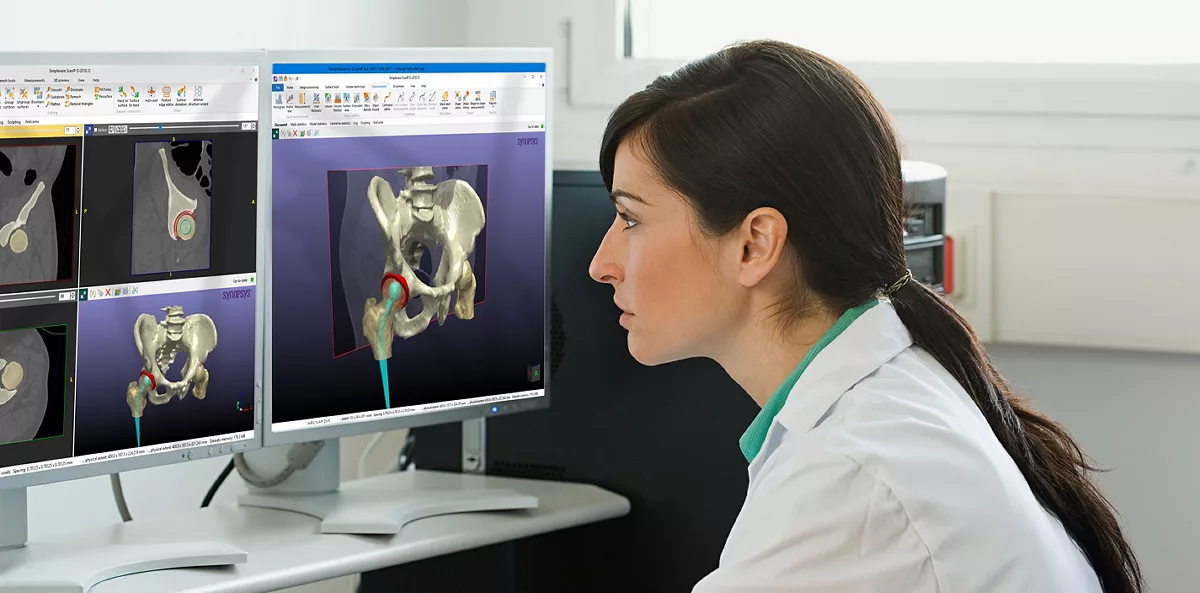
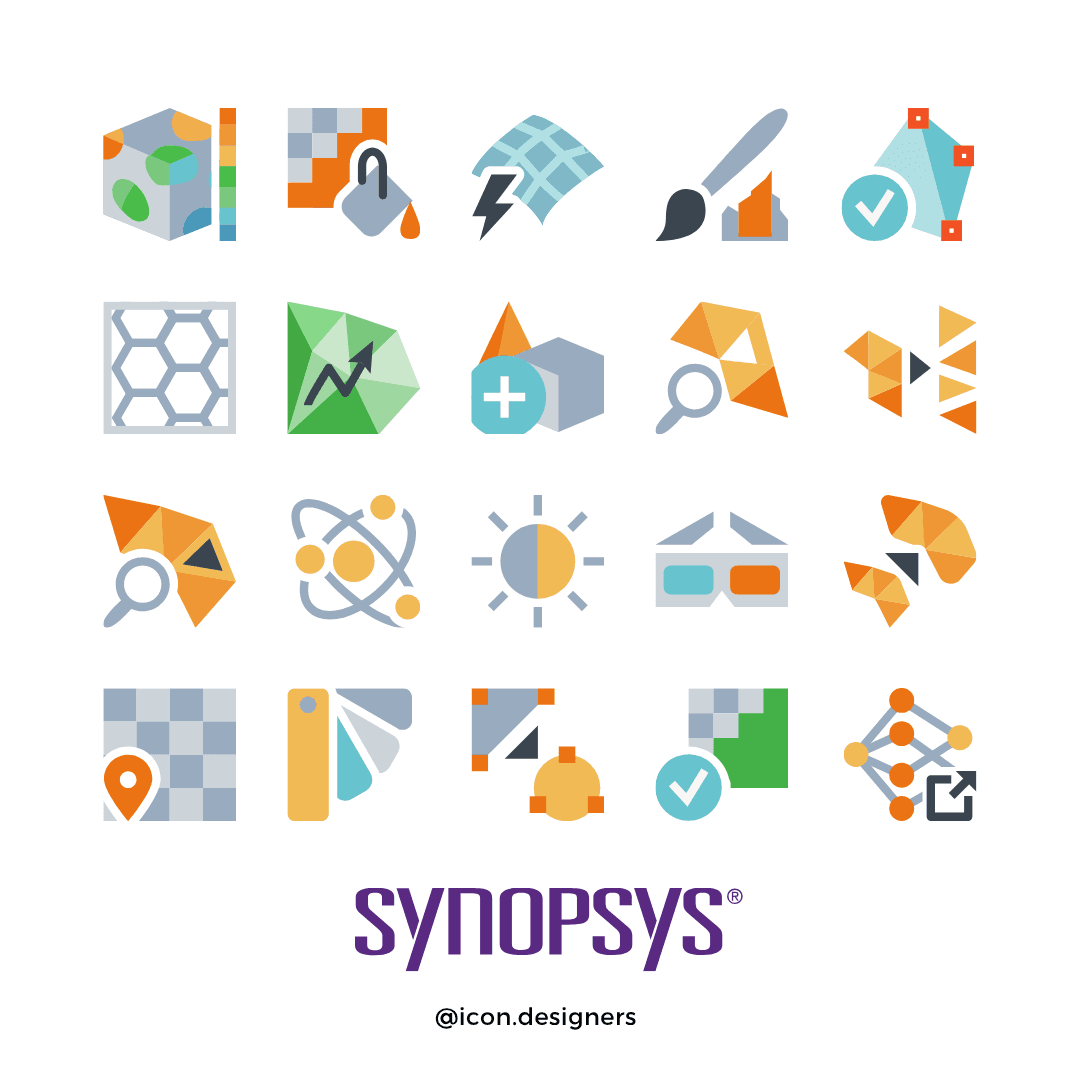
Windows Desktop Software UI Icons for Synopsys Simpleware ScanIP
We design coherent icon libraries for professional Windows applications, toolbars, ribbons, dialogs and status icons that stay crystal clear at small sizes and feel native to Windows 11. Artwork is created in vector, then exported as a clean, well-documented set for engineering teams to ship with confidence.
- Custom toolbar & ribbon icons for complex Windows desktops
- Full libraries for engineering, CAE/CAD, data and scientific tools
- Windows 11–aligned styles (flat or subtle layered depth)
- Delivery in PNG, SVG and ICO with a clear export matrix
- Legibility validated across light, dark and high-contrast themes
Windows vs Web Different Constraints, Different Outputs
Designing icons for Windows desktop software is not the same as designing for the browser. Cloud UIs can reliably render SVG; many legacy Windows toolchains still require multiple PNG sizes, and sometimes BMP sprites, per icon. That makes consistency and file management critical.
- Desktop / Windows: multiple resolutions (16–256px), PNG/BMP assets, ICO for launchers, strict grid & stroke discipline.
- Web / Cloud: single scalable SVG, responsive containers, CSS theming, fewer raster variants.
Our workflow ensures your library reads perfectly at 16×16, scales cleanly to larger sizes and ships in the formats your devs actually need.
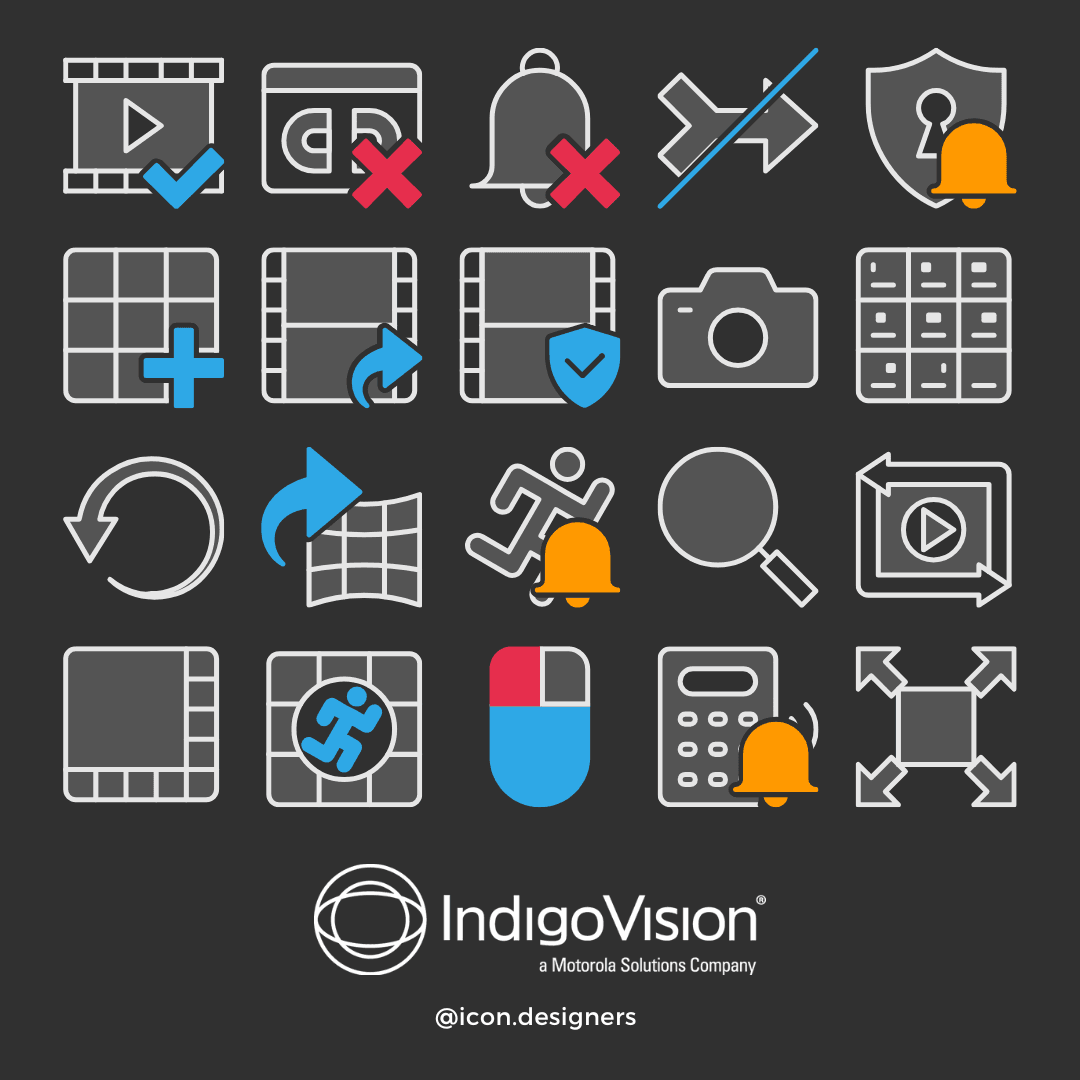
Desktop requires multiple raster outputs; web can stay purely vector.
Keep Every Size & Format in Sync with Icon Manager
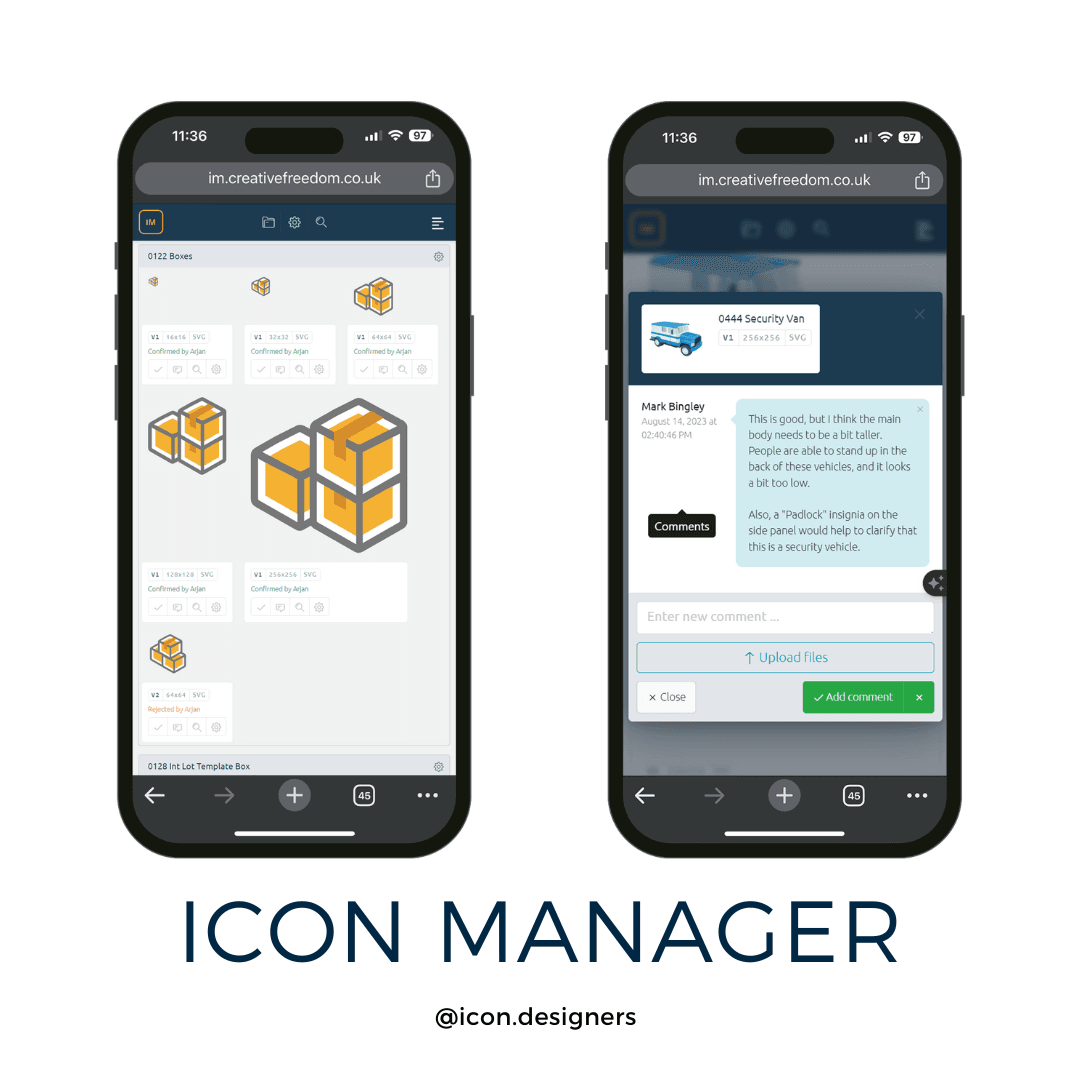
Windows projects often juggle PNG, SVG, ICO and occasionally BMP. Our Icon Manager platform tracks versions, comments and approvals, then exports the exact files your build requires, without style drift or missing sizes.
- Per-icon metadata (status, reviewer, platform targets)
- Side-by-side version previews & threaded feedback
- Batch exports: PNG sets, SVG masters, ICO bundles
Upgrading Legacy Icons? BMP/PNG → SVG/Modern PNG
Switching toolchains or modernising a legacy Windows application? We can convert existing BMP/PNG assets to fresh, consistent SVG masters and modern PNG/ICO exports, or restyle an entire set to align with Windows 11 while preserving recognisability.
- Re-draw legacy bitmaps to vector with corrected geometry
- Unify stroke, corner radii and negative space across the set
- Create clean export matrices for installers, launchers and UI
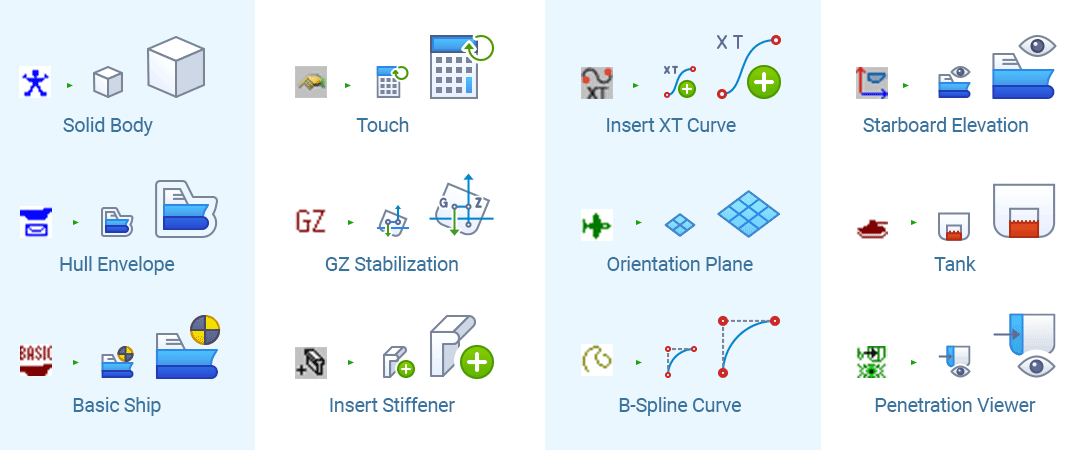
Before vs After – From legacy BMP to modern scalable SVG, to enhance UX
What Windows Software Icons Need to Get Right
- Small-size clarity: design smallest-size-first so 16×16 remains legible and unambiguous.
- Systemic consistency: repeatable geometry, stroke and corner logic, plus semantic families.
- Theme robustness: test in light, dark and high-contrast modes on varied DPIs.
- Format coverage: PNG/SVG for UI; ICO for launchers; BMP only when required by legacy tech.
- Developer-friendly exports: predictable naming and per-platform export sets.
Desktop Shortcut & Launcher Icons (.ICO)
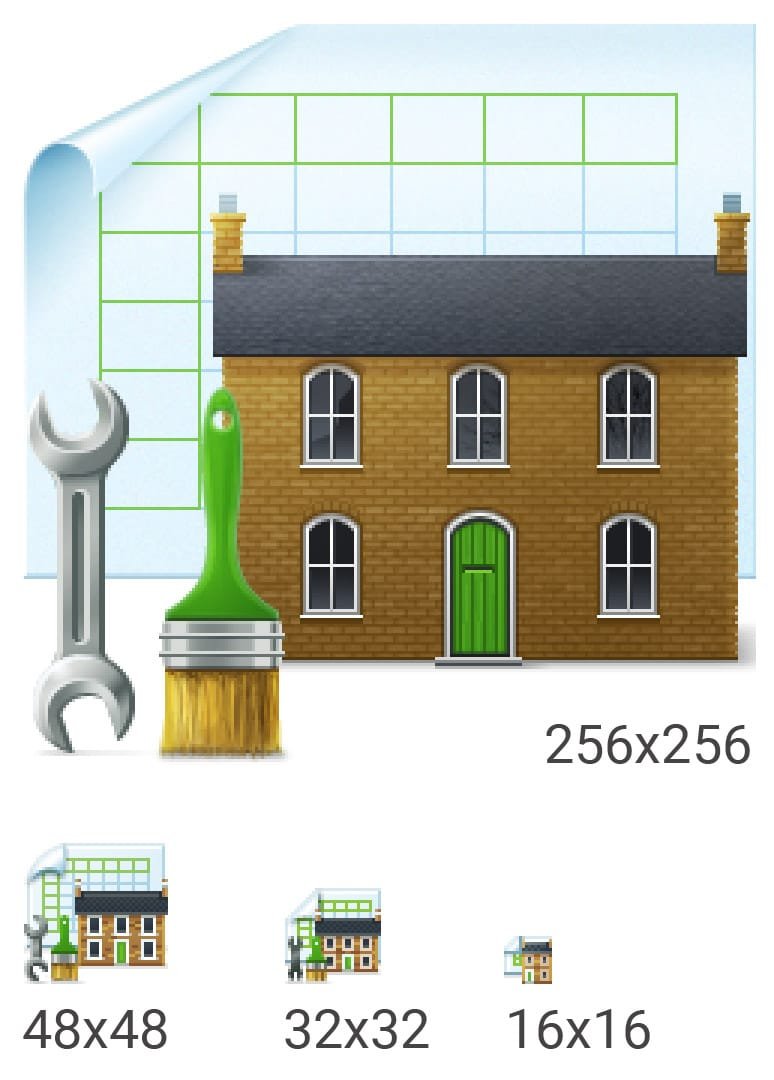
Windows still uses the .ICO format for desktop shortcuts and Start/Taskbar launchers. Each ICO can bundle multiple sizes so the icon looks sharp from tiny taskbar buttons to large thumbnails.
Windows ICO Quick Facts
- Common sizes: 16×16, 24×24, 32×32, 48×48, 256×256
- Colour depth: 32-bit with alpha transparency
- Structure: multi-resolution container; modern entries are PNG-compressed
Need the full technical rundown and size table? Read our guide: Windows ICO Made Simple.
Our Windows Icon Design Process
- 1️⃣ Understand your software & users. We capture a concise brief, review any existing icons/UI, and define constraints like grids, stroke, radii and size targets.
- 2️⃣ Style development on a key subset. We test one or two directions on representative icons to balance clarity, brand and Windows 11 alignment.
- 3️⃣ Production & delivery via Icon Manager. Tracked comments, side-by-side versions, batch exports to PNG/SVG/ICO, and clean handover to engineering.
Why Choose Creative Freedom
- 25+ years designing icon systems for Windows software
- Multi-designer capacity for large libraries with consistent QA
- Engineering-friendly exports and documentation
- Icon Manager keeps versions, sizes and formats perfectly aligned
Need Custom Windows Icons for Your Software?
Whether you need a full UI library or a modern launcher set, we’ll help you scope the brief and ship a consistent, future-proof set for Windows.
Windows Icon FAQs
- Why do my 16×16 Windows icons look blurry?
- Small icons need a completely different design approach, fewer details, bolder shapes, and higher contrast. Automatically scaled icons often become blurry. We manually redraw each key size for pixel-perfect clarity. Learn more: Why Your Icons Look Blurry (and How to Fix It)
- What sizes are required for a Windows .ICO file?
- A full Windows ICO should include 16×16, 24×24, 32×32, 48×48, and 256×256 pixels. The 256px version supports high-DPI scaling, but smaller sizes are essential for taskbars, menus, and legacy UIs. Full guide: Windows ICO Made Simple
- What file formats do Windows desktop applications need?
- Legacy Windows toolbars often require multiple PNG sizes (16px, 24px, 32px, 48px) or even BMP. Modern apps use SVG for UI and ICO for launchers. We deliver all formats your developers need.
- Can you upgrade my old BMP toolbar icons to modern scalable SVG?
- Yes. We can convert legacy BMP/PNG assets to fresh, consistent SVG masters and modern PNG/ICO exports, while preserving recognisability and aligning with Windows 11.
- Do you design Windows app launcher icons?
- Yes — we create modern, store-ready app icons for Windows 10/11, delivered in all required ICO sizes.
- How do you ensure icons work in legacy software?
- We test in real environments (WPF, Win32, Qt) and deliver BMP/PNG with exact pixel alignment.
- Do you work under NDA?
- Yes. We frequently work under NDA and keep your IP confidential. Portfolio usage is only with your permission.
- Where can I find free Windows icons for testing?
- We offer 1,000+ free Windows icons in PNG, ICO, and ICNS, perfect for prototypes, internal tools, or placeholder UI. Just don’t expect custom branding or small-size SVG clarity!
Still have questions? We’re happy to help with format specs, design systems, or legacy migrations.

