Icons for CAD Software in QinetiQ’s Paramarine® CAD System
How we helped QinetiQ overhaul 1,400+ software icons with a clean, vibrant and scalable UI icon set for their advanced marine design tool, Paramarine®. Discover how custom designed Icons for CAD software make such a difference to your user’s experience.
Client:
QinetiQ

Project Scope:
1400+ Custom Icons
Scalable SVG Assets
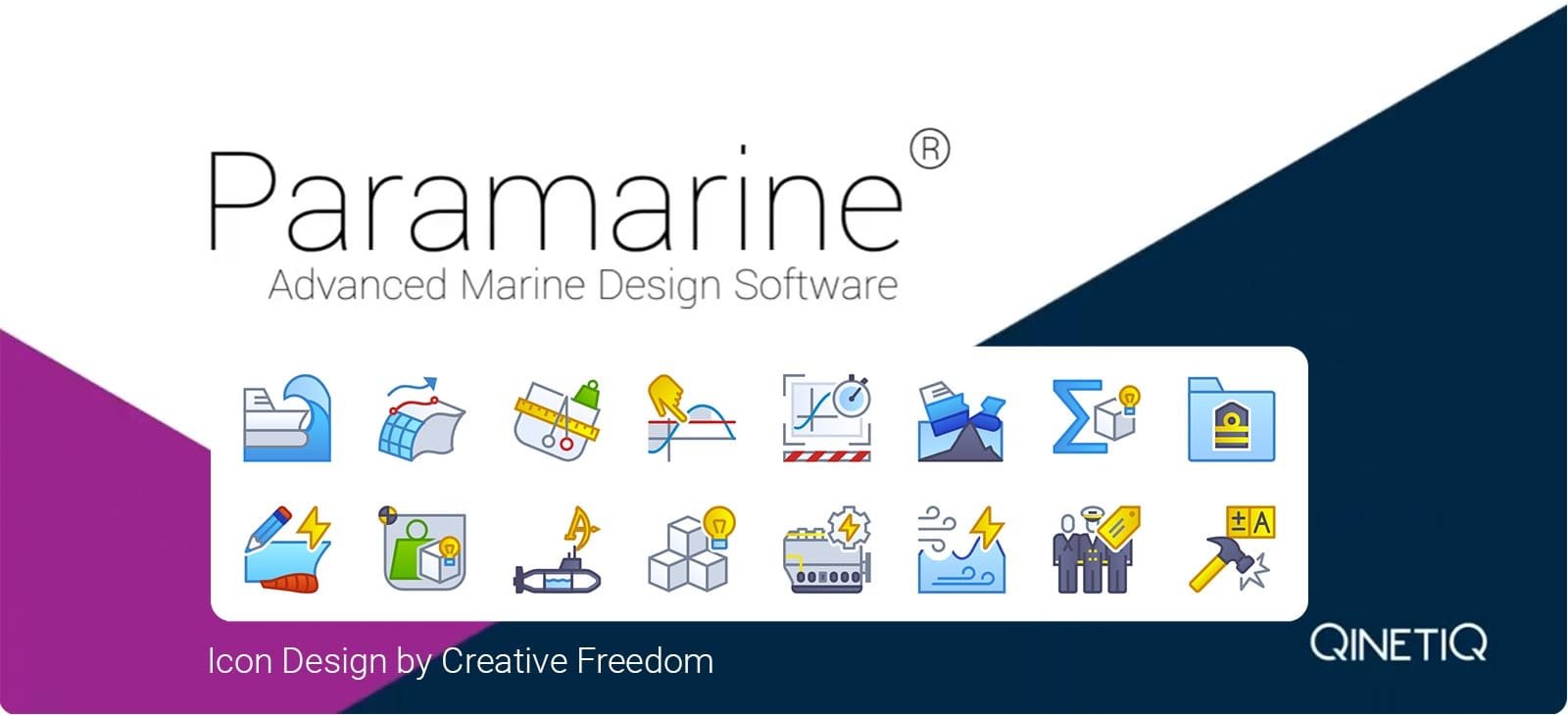
Upgrading a Legacy UI with Modern CAD Icons
QinetiQ’s Paramarine® is a specialist CAD platform for marine design and engineering, used to create advanced vessels including submarines and warships. With over 1,400 interface icons, consistency and scalability were major challenges.
Our task was to deliver a complete overhaul, introducing a bright, modern look while improving technical flexibility. Using vector SVGs, we optimised for screen clarity at 32×32 and 64×64 pixels, while producing dedicated 16×16 icons to retain pixel precision at the smallest size.
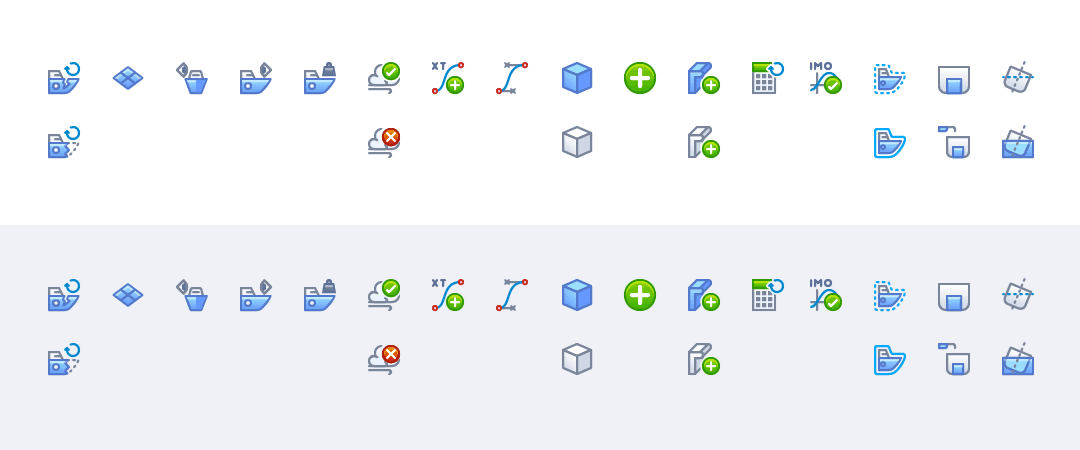
Early Style Concepts – Testing CAD Icon Styles on different background colours
The existing icons were designed in-house, over the years, by the software engineering team. Many of the Icon metaphors used were literal, a human to represent ‘Solid Body’, an aircraft to represent ‘Geometric Plane’ or a military tank to represent ‘Fluid Tank Level’. Whilst these worked historically, they didn’t accurately represent the functionality and created issues for new user onboarding. Also, many icons were represented purely by text, which again lacked the intuitiveness of modern icons.
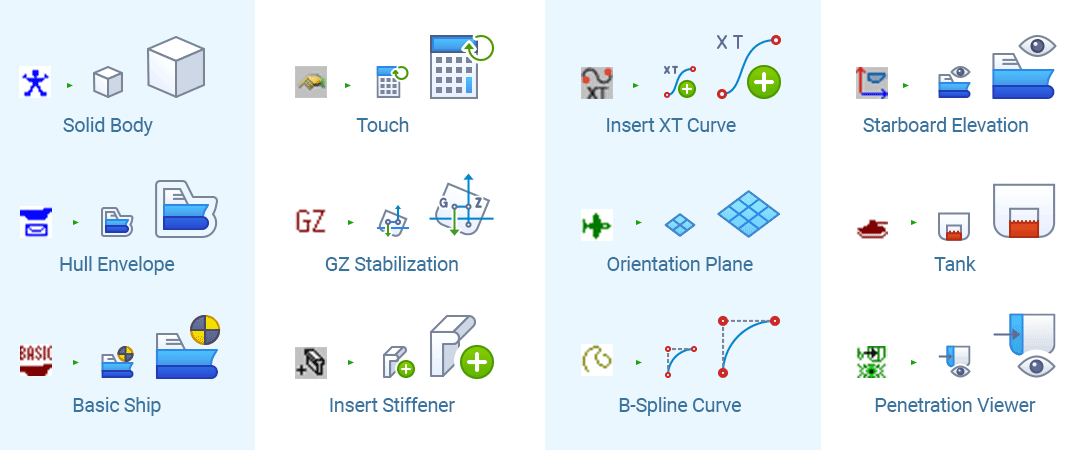
Before vs After – Re-imagining Engineering Icon Metaphors to enhance UX
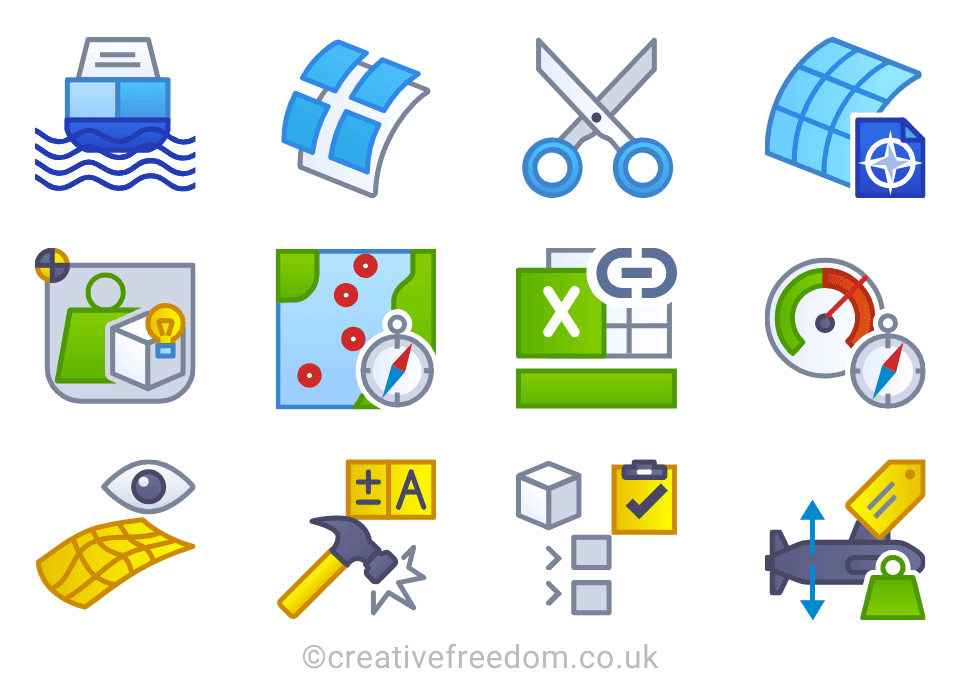
Our design team introduced recognisable standards, as well as reinventing new metaphors for the complex icons required for Engineering CAD software like Paramarine. The result is a clean, scalable set of intuitive CAD Software icons, that work in UI environments from 16×16 pixels to 64×64 pixels and beyond.
The new CAD Software Icons, not only improve the professional aesthetic impact of Paramarine, but also reduce training and support overheads due to a simpler and more intuitive visual language.
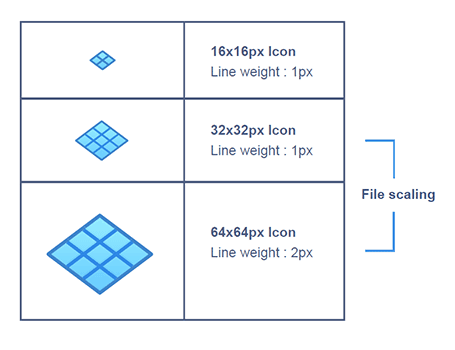
Scaling guidelines to maintain pixel precision
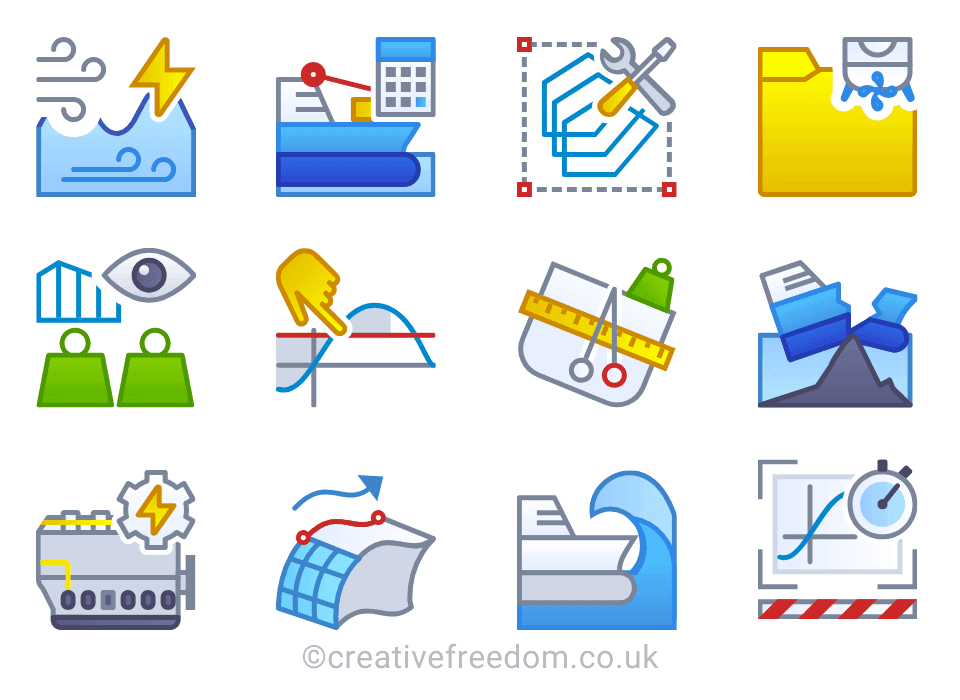
Colour-coded icon families for improved usability
Managing 1,400 CAD Icons with Icon Manager
With so many unique icons required, QinetiQ needed an efficient way to brief, review and sign off designs. That’s where our Icon Manager came in, allowing stakeholders to track every stage of the design process in real-time.
Our software icon design system eliminated lengthy email chains and confusing spreadsheets, creating a central hub where every update and comment was visible to the team. The result? A smooth, collaborative design process for a highly complex project. No other Icon Design Company has this super-power!
I wanted to thank you and the designers who have worked with us over the last few years. The new GUI is greatly enhanced by the icons developed by Creative Freedom, and in the future I will not hesitate to recommend using you again.”
Graeme White – Senior Software Engineer

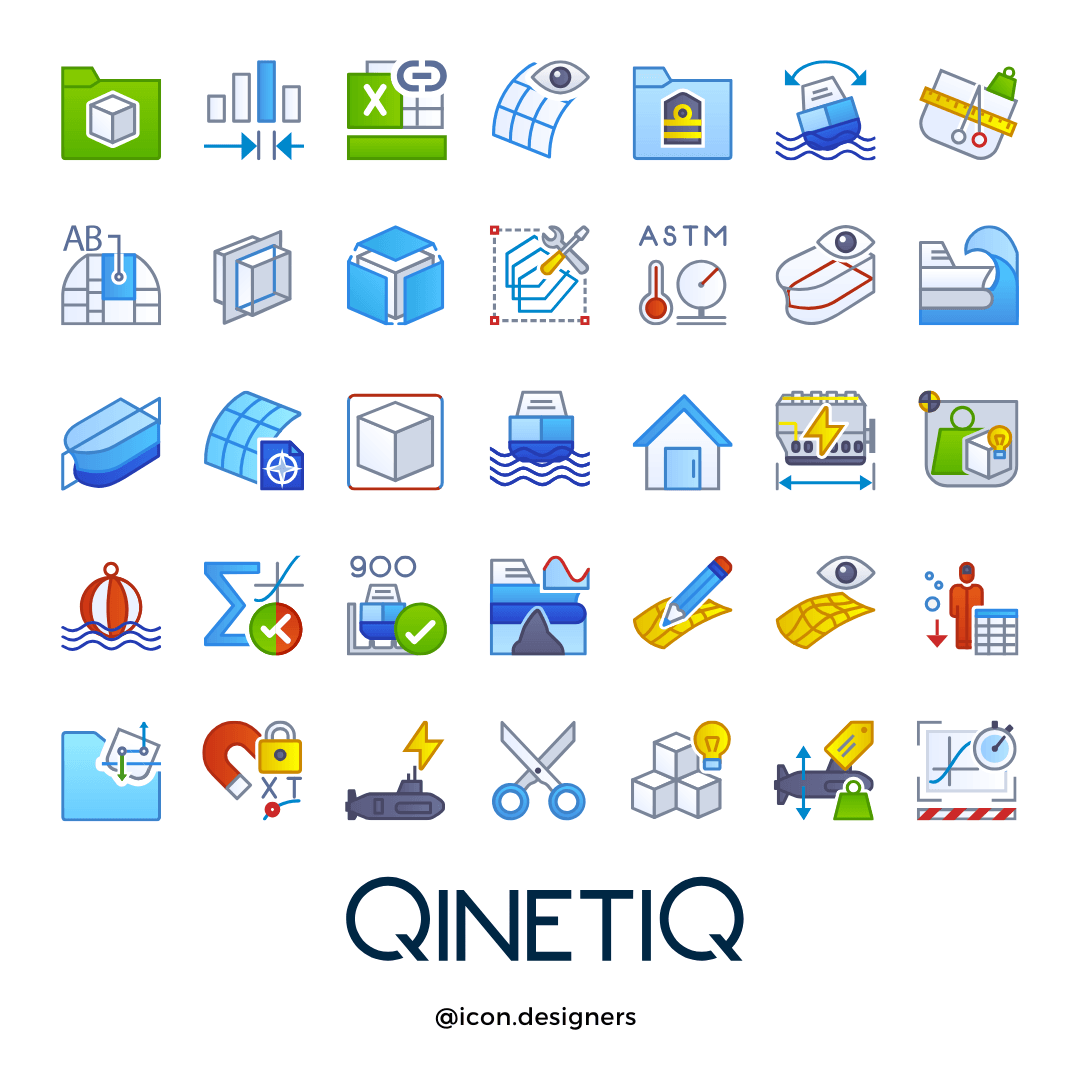
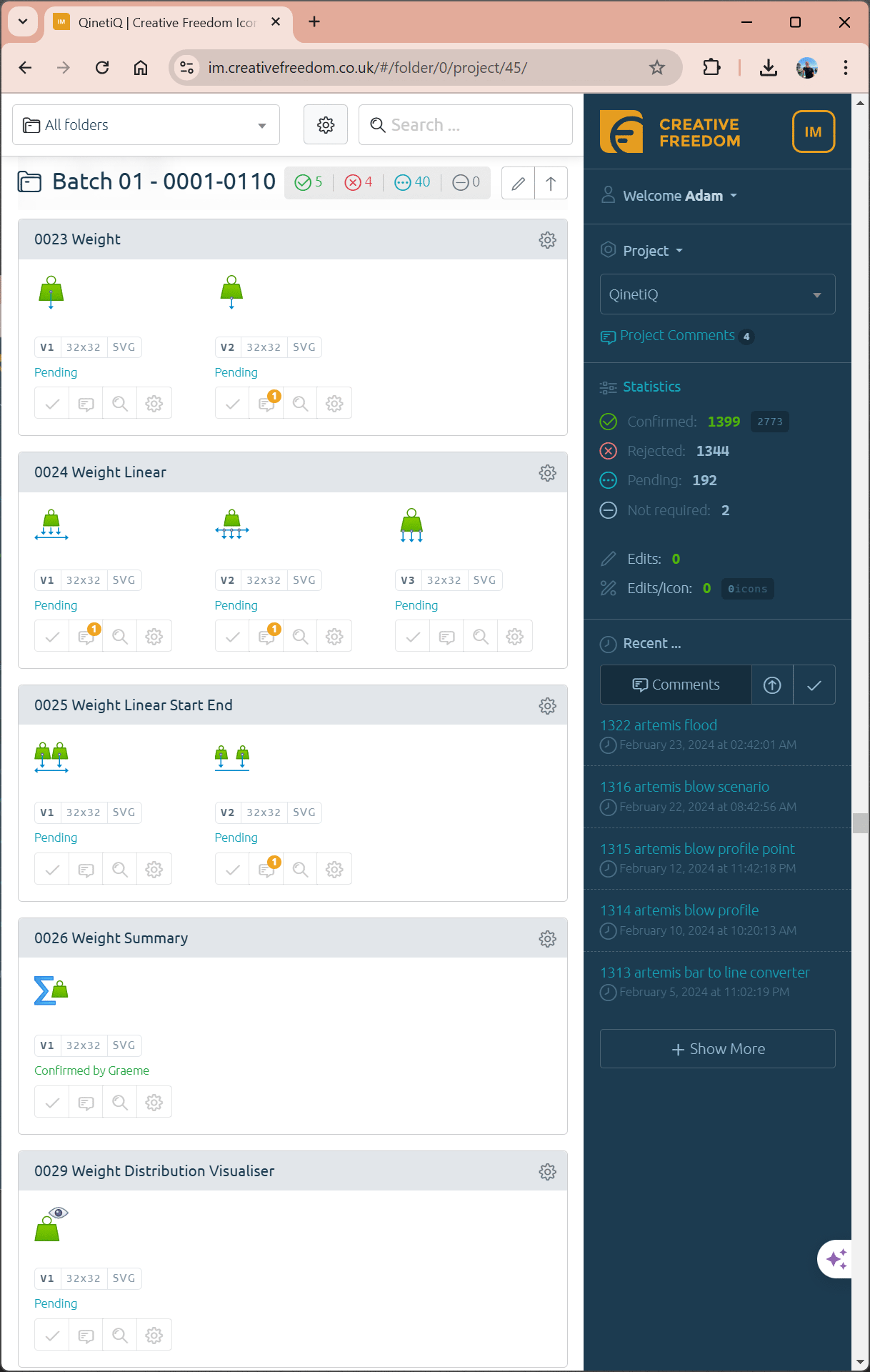
Design collaboration at scale using Icon Manager
Icons for CAD Software That Scale with Your UI
Legacy platforms like Paramarine benefit hugely from a unified icon system. Our work not only brought a visual upgrade, it also helped reduce support burden by improving clarity and discoverability across toolbars and menus.
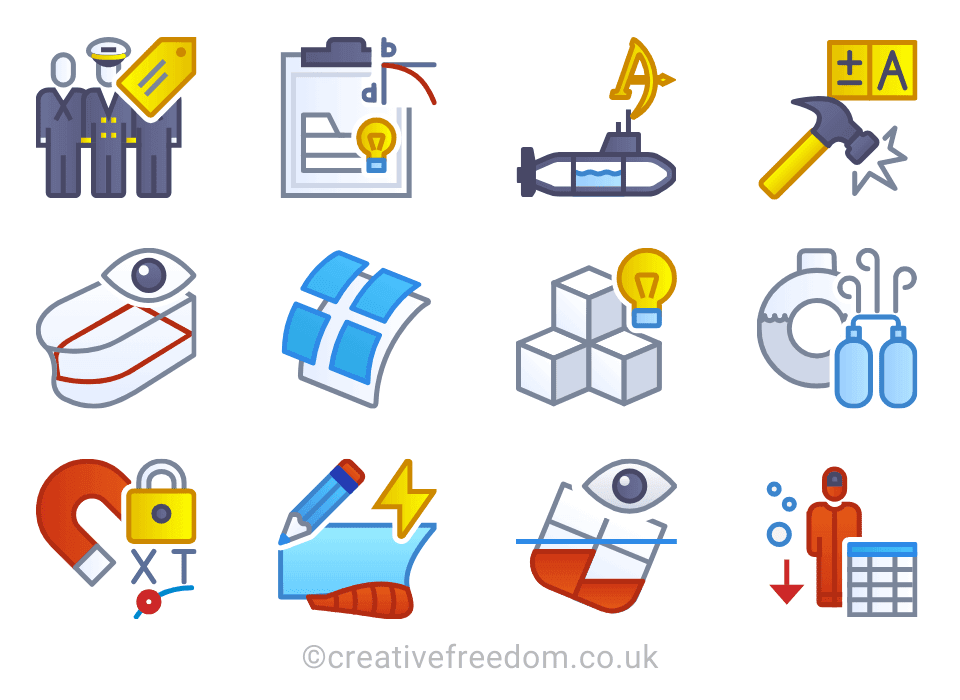
We applied visual grouping, consistent line weights, and icon families to simplify the user interface and speed up user training for new teams.
Let’s help Start Your Icon Project
We’ve designed thousands of icons for software used in aerospace, defence, marine engineering, and CAD/CAM platforms. Whether you need 10 icons or 1,000+, we can help modernise your UI and reduce the design burden on your dev team.
Have a question or ready to brief us? Let’s talk about your software interface and how we can support your development team with custom, designed UI icons.
Contact our icon design team
Let’s talk about your project, we’re happy to help.

Ask Adam a question or tell us about your icon design project
